Getting Access to the Data Catch-all Repository
This guide explains how to access public records and obtain permission to create records in the Data Catch-all Repository.
Browsing Public Records
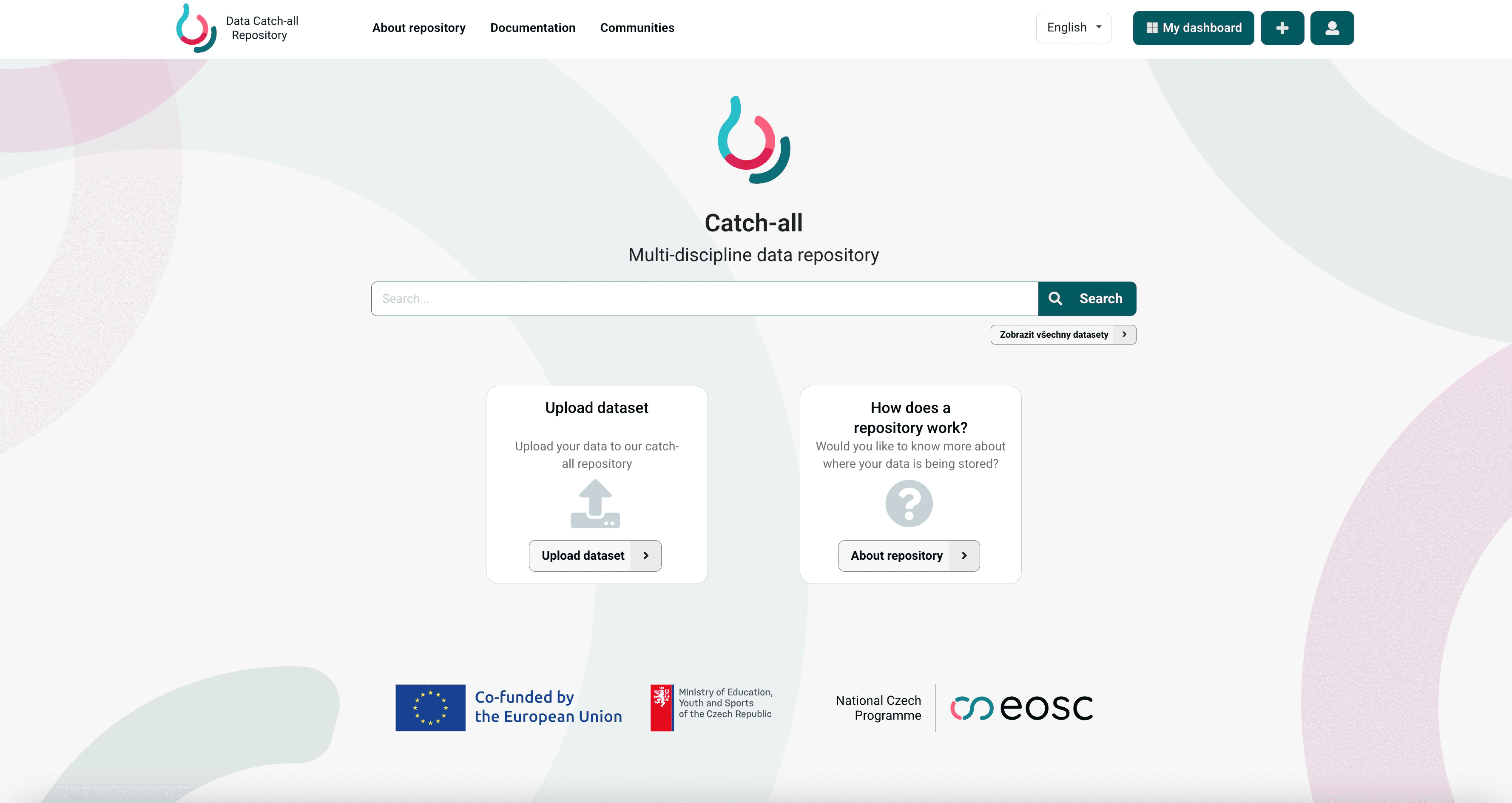
Visit the Data Catch-all Repository.
No registration is required to:
- search for records using the search field;
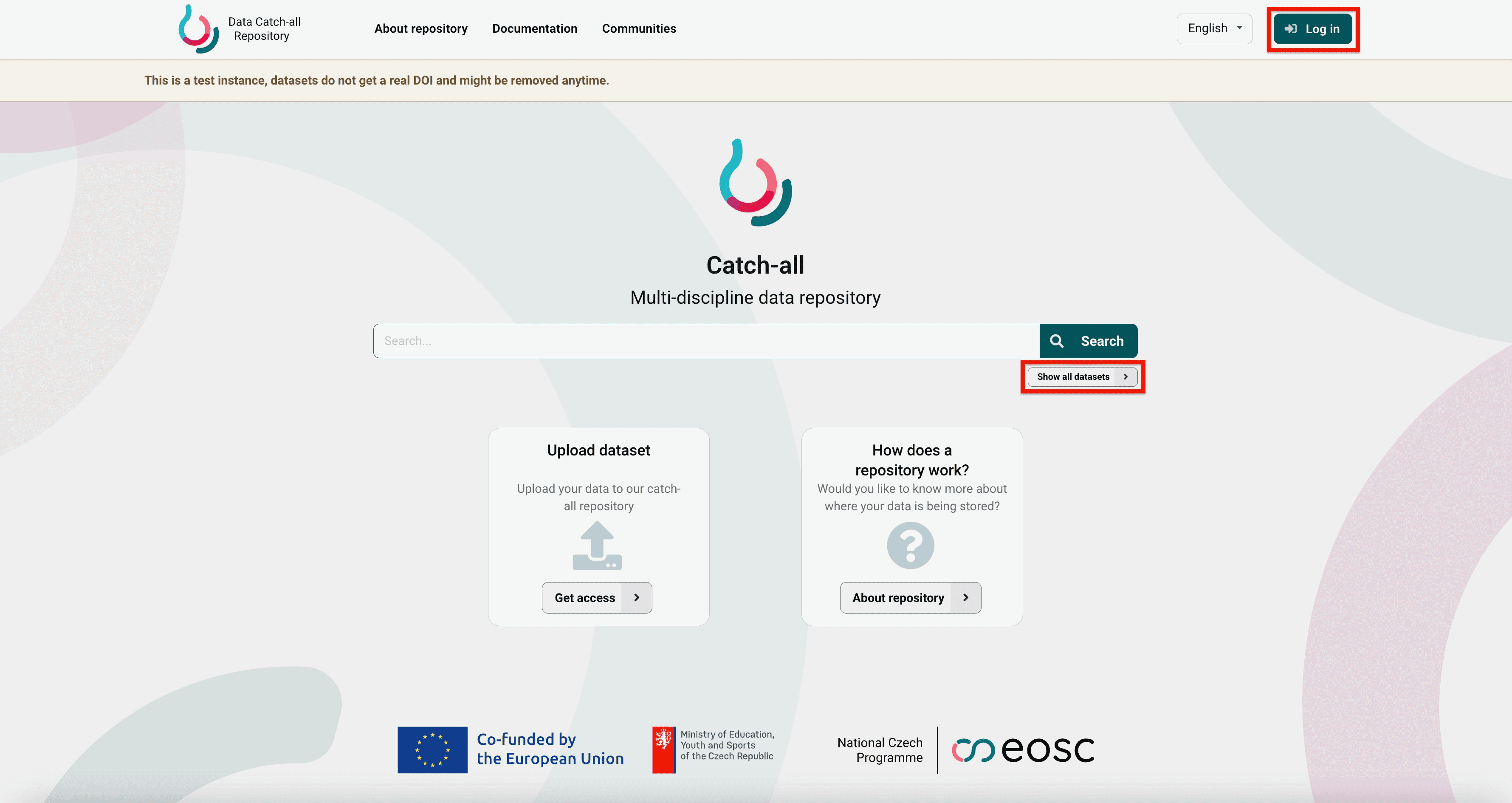
- select Browse all records to browse published records;
- view publicly available metadata;
- download publicly accessible files.
Getting Permission to Create Records
To create records, you must obtain write access either:
- as an individual submitter, referred to as a standalone depositor; or
- through a community role that permits record submission.
Write access is intended primarily for employees and students of eligible academic and research institutions in the Czech Republic, their international collaborators, and other approved users whose intended use is consistent with the mission of the repository.
During the application process, you may be asked to describe your intended use of the repository and justify your request for access.
Becoming a Standalone Depositor
Follow this procedure if you want to obtain write access as an individual rather than through a dedicated community.
Write access for standalone depositors is managed through the Submitters group in the VO_repo_datarepo_prod virtual organisation. These names may appear during the application process or in communication with user support.
To apply:
-
Submit the application form.
-
Wait for your application to be reviewed. Applications may require manual evaluation, so approval may not be immediate. You will receive an email notification when the application has been processed.
-
After your application is approved, sign in to the Data Catch-all Repository and create your first record.
Getting Access Through a Community
Access to an existing community is normally provided through an invitation from a Community owner in your team, project, or organisation.
The invitation assigns you one of the available community roles. The assigned role determines which records and community actions are available to you.
Not every community role grants permission to submit records. To create records through a community, you must be assigned a role that permits record submission.
If you do not know who the Community owner is, contact the repository support team at datarepo@eosc.cz.
For more information about communities and community roles, see the Guide for Communities.
Signing in to the Repository
Browse to the Data Catch-all Repository.
Select Log in and choose your home institution.
Signing in does not automatically grant permission to create records. Write access requires membership in the Submitters group or a community role that permits record submission.
After signing in, you can search and browse public records in the same way as users who are not signed in. Depending on your permissions, you can also create records, manage drafts, and access community functions.
Select My dashboard to access your drafts and manage your records.